Fee management
School fee management without the ledger.
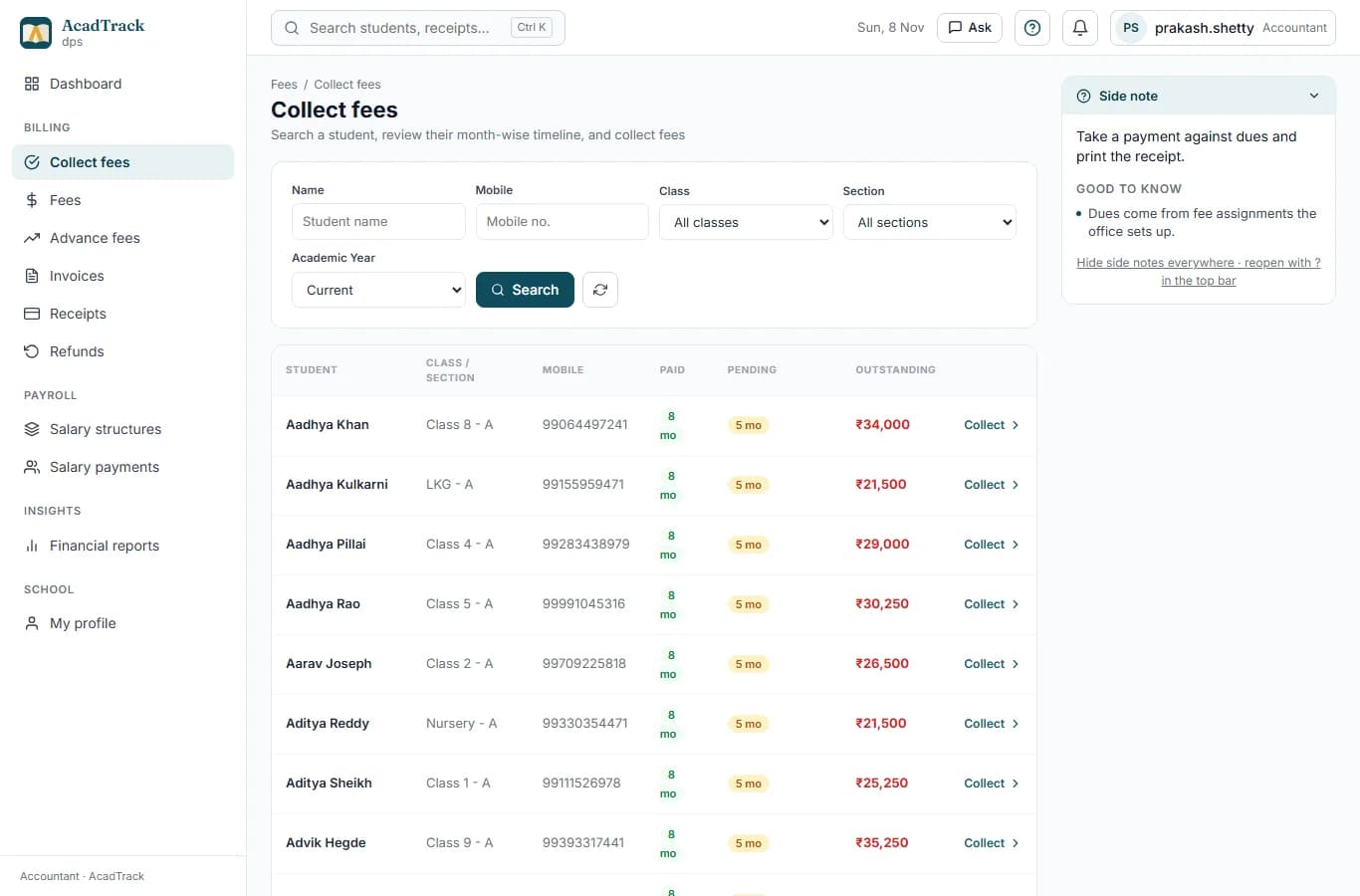
Fee heads and structures per class, monthly dues raised automatically, collection with receipts, advance payments applied to the next dues, and a clear view of who owes what.

Dues, receipts and reminders, so the office spends its day on families, not ledgers.
Photograph: Pexels. Credits
What it replaces
- Nobody can say who owes which month without counting the ledger.
- Receipts written by hand, and advances and concessions tracked in a notebook.
- Parents call the office to ask what is due.
What you get
Structures per class and session
Tuition, transport, annual, exam and other heads, with amounts per class.
Dues raised every month
Monthly dues are generated for every enrolled student from their fee assignments.
Collection desk and receipts
Pick a student, tick the months being paid, take cash, UPI, card or cheque, and print the receipt.
Advances, concessions and late fees
Money paid ahead is held as credit and applied to the next dues; concessions and late fees are recorded against your due-day and grace rules.
Overdue at a glance
Billed, paid, pending and overdue for the whole school, by student, month and fee head.
Parents see their fees
The parent app shows what is due, what is paid and every receipt.
How it works
- 1Set your fee heads and amounts per class.
- 2Assign fees to students (done for you when an admission is converted).
- 3Dues appear each month; the office collects and the parent sees the receipt.
Questions
Can parents pay school fees online?
Fees are collected at the school counter and recorded in AcadTrack today, by cash, UPI, card or cheque. Online payment from the parent app is on the roadmap.
Does it handle late fees and concessions?
Yes. You set the due day, grace period and late fee per class, the accountant can add the late fee to an overdue due, and concessions are recorded against the student.
Can the accountant see overdue fees by class?
Yes. The fee ledger lists every due with its fee head, month, billed, paid and remaining amount, filterable by status.
Also see: school management software India · school admission management software · school bus tracking app