Admissions
From the first enquiry to an enrolled student, on one card.
Every family that calls, walks in or fills the website form becomes a card that moves from enquiry to onboarded, with the follow-ups, documents, offer and fee in one place.

From the first enquiry to a new face on the class register.
Photograph: Pexels. Credits
What it replaces
- Enquiries written in a notebook and lost between calls.
- No view of how many families reached the test, the offer or the fee.
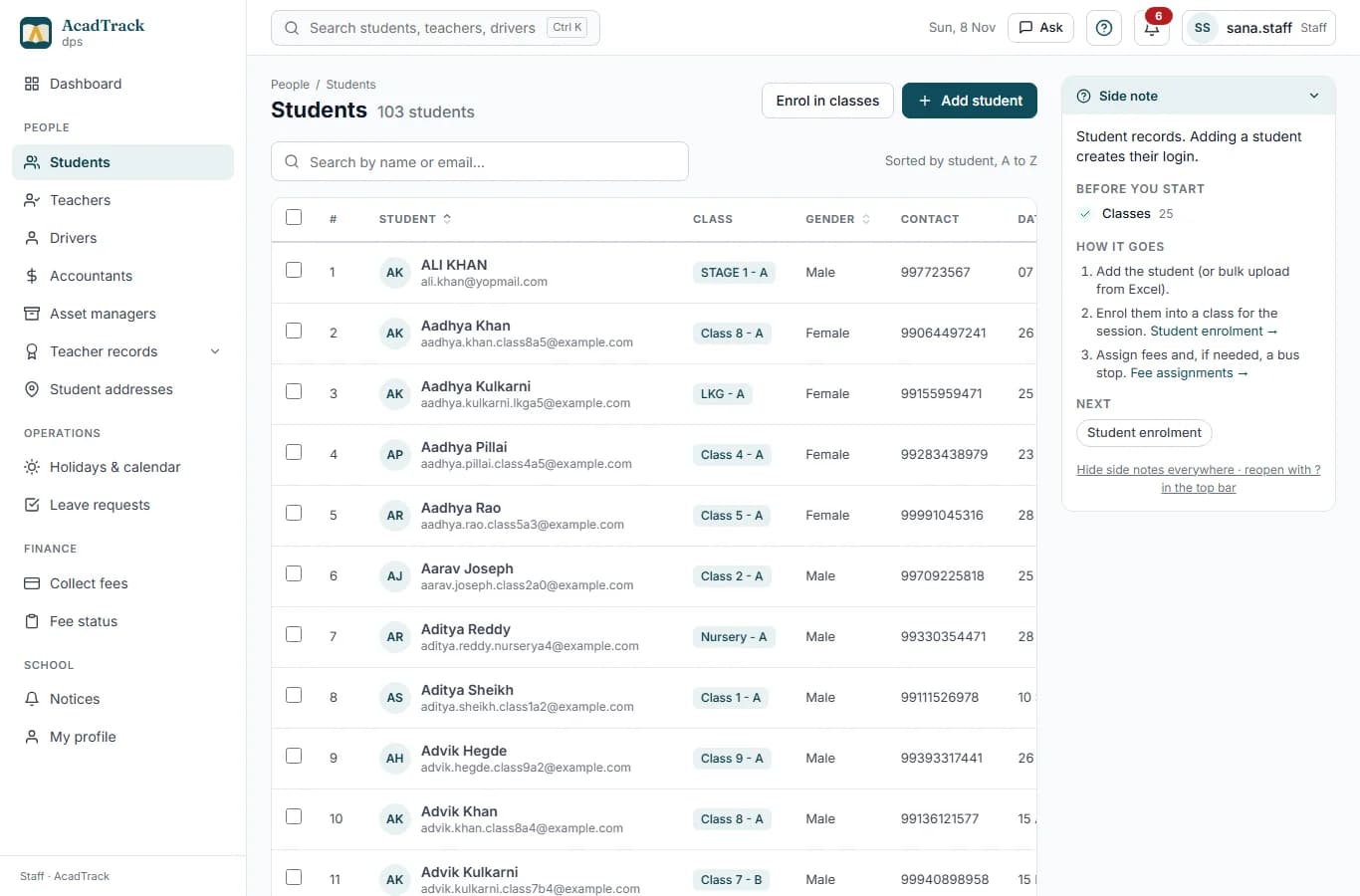
- Admitted children typed again into the student list, the class and the fee register.
What you get
A pipeline you can see
Enquiry, applied, documents, test, offered, admitted and onboarded, with follow-up dates and overdue reminders.
Website enquiry form
Parents enquire from your school's admissions page; the enquiry lands on the board.
Documents and offer letters
Collect and verify documents, offer a seat in a class and section, and send the offer letter as a PDF.
Admission fee
Record the admission fee or waive it with a reason before admitting.
One click to a student
Converting creates the student record, the class enrolment, fee assignments and the login in one step.
Funnel by class
See seats filled per class and where families drop out.
How it works
- 1Add the enquiry, or let the parent fill the website form.
- 2Move the card as the family progresses; offer a seat and record the fee.
- 3Convert to student: enrolled, fees assigned, login created.
Questions
Can parents apply online?
Yes. The admissions page on your school's address takes enquiries, and the office can send a family a link to complete their application.
Can we import enquiries we already have?
Yes. Enquiries can be imported from an Excel or CSV file.
What happens when a child is admitted?
Convert to student creates the student, enrols them in the class and section, assigns the class fees and creates their login, so nothing is typed twice.
Also see: school management software India · school fee management software · school bus tracking app