Transport
A school bus parents can see, without a separate tracker.
Routes, stops, vehicles and drivers are managed in the portal; the driver app shares the bus position, and parents see the live bus, their stop and the pickup time.
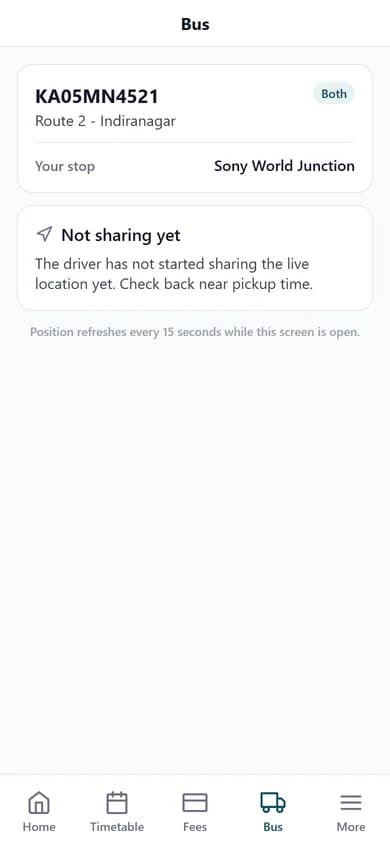

Every route, stop and driver, with the bus on the map for parents.
Photograph: Pexels. Credits
What it replaces
- Parents phone the office or the driver to ask where the bus is.
- Routes, stops and which child rides which bus kept in a spreadsheet.
- Vehicle insurance, fitness and fuel tracked on paper.
What you get
Driver app
The day's route and stops in order; one tap starts the trip and shares the live position.
Parents see the live bus
The parent app and portal show the bus, the route, the child's stop and pickup time.
Routes and stops
Stops in order with pickup and drop times for each route.
Who rides which bus
Assign drivers to vehicles, vehicles to routes and students to stops.
Fleet records
Insurance, fitness documents, maintenance and fuel logs per vehicle.
Transport fees
A transport fee head joins the student's monthly dues.
How it works
- 1Add vehicles, routes and stops.
- 2Assign drivers and students.
- 3The driver starts the trip; parents watch the bus arrive.
Questions
Does the school need GPS devices in the bus?
No. The driver app on the driver's phone shares the position while a trip is running.
Is bus tracking an extra cost?
No. Transport and both apps are included in the Standard plan at ₹999 per month per school.
Can parents see only their own child's bus?
Yes. Each parent sees the route and stop of their own child.
Also see: school management software India · school fee management software · school admission management software